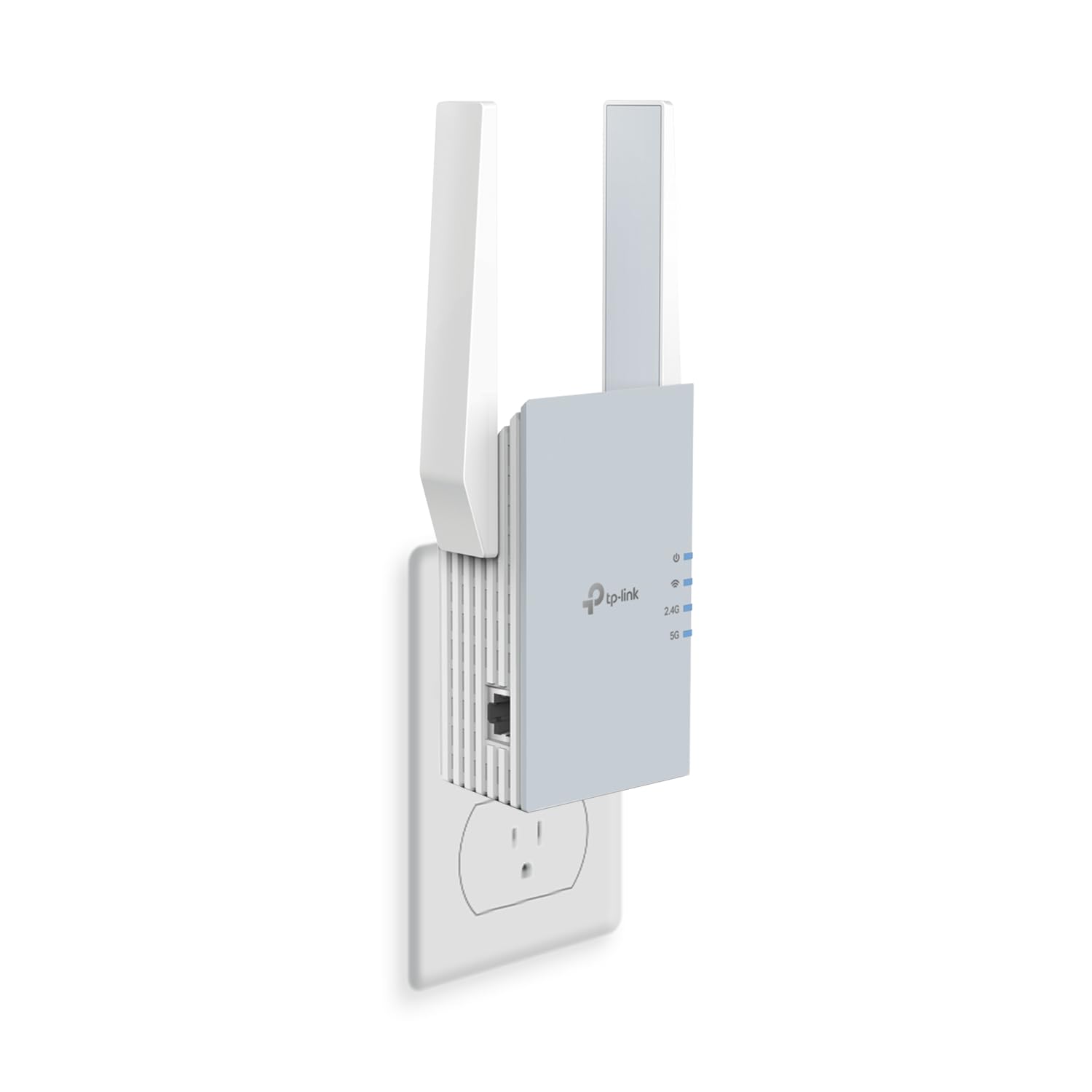
This tp link ax1500 review looks at the RE515X, a dual-band Wi-Fi 6 range extender designed to reach areas where a router’s signal is weaker.
Its Ethernet port, access point mode, and EasyMesh compatibility add flexibility, while its main job is improving coverage rather than increasing your internet plan’s speed.
TP-Link RE515X Review Summary
The quick verdict
400+ ratings
Read Amazon ReviewsTP-Link RE515X
A practical fit for households that need to extend Wi-Fi coverage, connect a wired device, or add an access point in a hard-to-reach room.
- Dual-band Wi-Fi 6 with listed maximum rates of 1201 Mbps on 5 GHz and 300 Mbps on 2.4 GHz.
- Two high-gain directional antennas and Beamforming technology, with coverage listed up to 1,800 square feet.
- Designed to support up to 64 devices.
- Gigabit Ethernet port for a wired device or use with access point mode.

Pros
- Adds both 2.4 GHz and 5 GHz Wi-Fi 6 bands to an extended coverage setup.
- The Ethernet port gives a nearby wired device a direct connection to the extender.
Consider before buying
- An extender depends on the signal it receives from the router, so placement between the router and weak-coverage area matters.
- The listed bandwidth is not a promise of higher internet speed; real results depend on the source connection, distance, and obstacles.
Read the full review summary
The RE515X combines 1201 Mbps on 5 GHz and 300 Mbps on 2.4 GHz, with two directional antennas and Beamforming intended to extend the existing network.
TP-Link gives a maximum coverage figure of up to 1,800 square feet and support for up to 64 devices; these are design targets, not guarantees for every floor plan or connection.
It makes the most sense when the router still has a usable signal near a room that needs better reach, or when you want to connect a nearby wired device through the gigabit Ethernet port.
Setup and management run through the TP-Link Tether app, and EasyMesh may help it work as part of a compatible network. Confirm that your router supports EasyMesh if that integration matters to you.
The buying factors
TP-Link RE515X Scorecard
Editorial scores reflect listed features and buyer fit; they are not laboratory measurements or customer ratings.
Coverage-focused design
Directional antennas and Beamforming are aimed at extending a router’s reach, with coverage listed up to 1,800 square feet.
Wi-Fi 6 capacity
Dual-band Wi-Fi 6 and support for up to 64 devices suit a connected household, though actual throughput depends on the existing network and placement.
Wired connectivity
The gigabit Ethernet port provides a wired connection for a device or a wired source for access point mode.
Setup and placement help
The Tether app manages setup, and an intelligent signal indicator can help identify a suitable location.
Network integration
EasyMesh compatibility can support mesh connectivity when paired with a compatible router.
Speed expectations
Its bandwidth figures describe the extender’s dual-band capability; an extender is intended to improve coverage, not directly raise internet speed.
Key Features and Specifications of TP-Link RE515X
- Dual-band Wi-Fi 6 with listed maximum rates of 1201 Mbps on 5 GHz and 300 Mbps on 2.4 GHz.
- Two high-gain directional antennas and Beamforming technology, with coverage listed up to 1,800 square feet.
- Designed to support up to 64 devices.
- Gigabit Ethernet port for a wired device or use with access point mode.
- EasyMesh compatibility with an EasyMesh-compatible router.
- Tether app setup and management for Android and iOS, plus an intelligent signal indicator to help with placement.
Pros and Cons of TP-Link RE515X
Pros
- Adds both 2.4 GHz and 5 GHz Wi-Fi 6 bands to an extended coverage setup.
- The Ethernet port gives a nearby wired device a direct connection to the extender.
- Access point mode can turn a wired connection into a Wi-Fi hotspot.
- App setup and a signal indicator offer practical help when choosing where to place it.
Consider before buying
- An extender depends on the signal it receives from the router, so placement between the router and weak-coverage area matters.
- The listed bandwidth is not a promise of higher internet speed; real results depend on the source connection, distance, and obstacles.
- EasyMesh benefits depend on having a compatible router.
Who Should Buy TP-Link RE515X?
Good fit
Consider the RE515X if you have a specific room or zone with weak Wi-Fi and can place the extender somewhere that still receives a useful signal from your router.
Its dual-band Wi-Fi 6 design, directional antennas, and Beamforming focus on extending reach, while the up-to-1,800-square-foot figure gives a broad indication of intended coverage rather than a guarantee for a particular home.
It is also a good match if your setup benefits from the gigabit Ethernet port. You can connect a nearby wired device, or use access point mode to create Wi-Fi from a wired connection.
If you already use an EasyMesh-compatible router, check that compatibility before buying to see whether the intended network integration fits your setup.
Use the Tether app and signal indicator to guide installation, then judge the result in the room where coverage is needed.
The best placement is a compromise: close enough to the router to receive a useful connection, but positioned toward the area you want to reach.
Who should skip it
Skip this model if your primary goal is to increase the speed supplied by your internet plan.
The RE515X is a coverage extender, and its listed Wi-Fi rates do not ensure that devices will receive those speeds through the extended connection.
If your router’s signal is already unusable at the only available extender location, consider whether you can place the unit closer to the router or provide a wired connection for access point mode.
How the TP-Link RE515X Fits a Home Network
Coverage depends on placement
The RE515X is intended to carry an existing wireless connection farther into the home.
Its directional antennas and Beamforming are designed to focus and extend signal, but walls, distance, and the quality of the signal at the extender’s location still shape the result.
Start with a spot that receives a usable router signal, then use the indicator and test the room where you need coverage.
Dual-band rates set expectations
The extender lists up to 1201 Mbps on 5 GHz and 300 Mbps on 2.4 GHz. Those figures describe its dual-band Wi-Fi capability, not a guaranteed internet speed at each device.
Since the unit is designed to improve coverage rather than directly increase speed, it is best evaluated by whether it brings a more usable connection to the target area.
Ethernet adds a second use
The gigabit Ethernet port makes the RE515X useful beyond wireless extension. It can connect a wired device near the extender, and access point mode can use a wired connection to create a Wi-Fi hotspot.
This flexibility may suit a room where a cable is available or where a device benefits from Ethernet.
Mesh support needs a compatible router
EasyMesh compatibility is relevant if your router supports EasyMesh and you want the extender to participate in a mesh-style setup. Compatibility is not universal across every mesh platform, so check the router’s support before relying on that feature.
If mesh integration is not central to your setup, the extender’s standalone coverage and Ethernet functions remain the more direct buying considerations.
Alternatives to TP-Link RE515X
Repeaters alternative
4,000+ ratings
Read Amazon ReviewsTP-Link RE715X
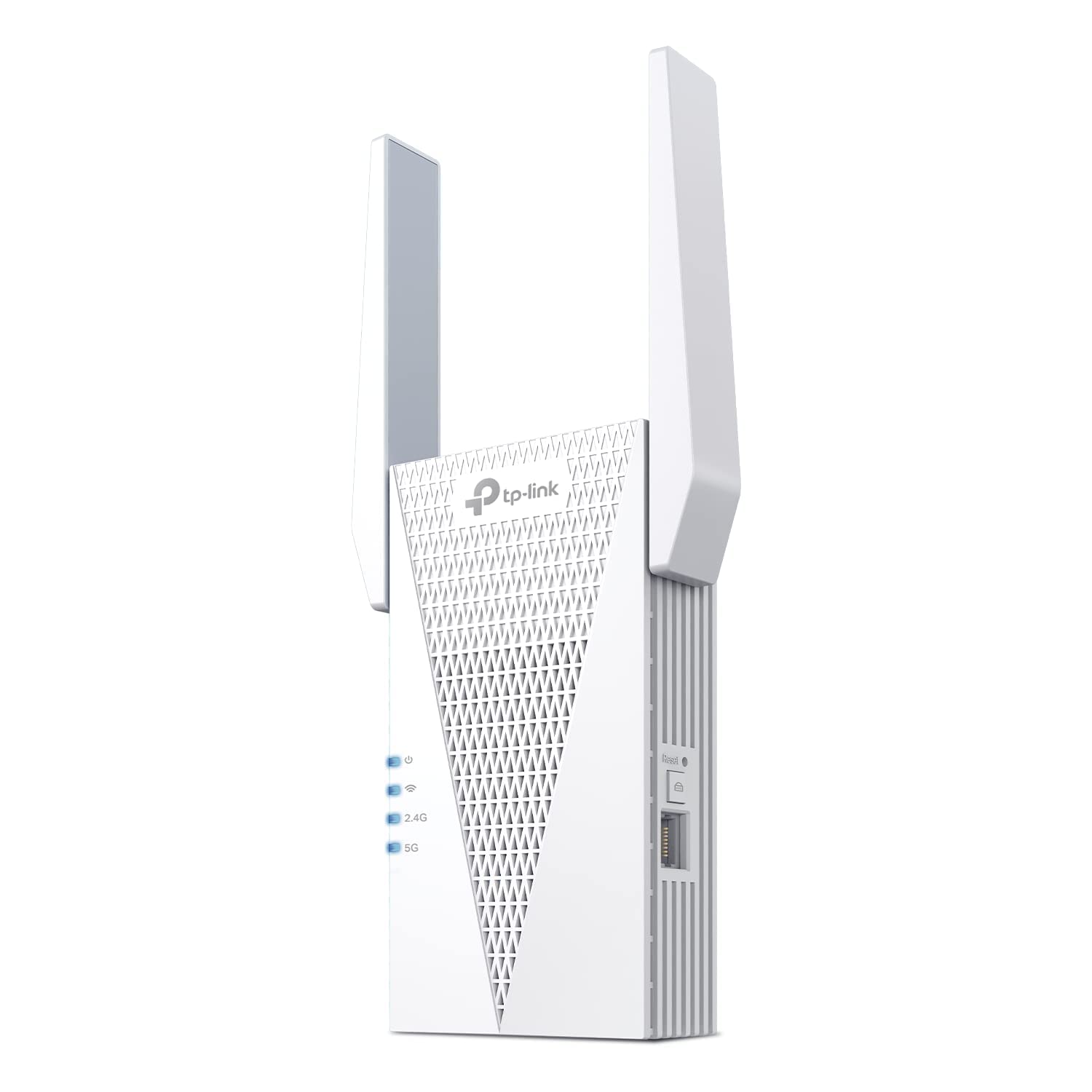
Choose the RE515X if its listed coverage and band rates suit your needs. Consider the RE715X if you want higher listed dual-band rates and a larger stated coverage area; actual results still depend on placement and network conditions.
- The RE715X lists up to 2404 Mbps on 5 GHz and 574 Mbps on 2.4 GHz, with coverage up to 2,400 square feet.
- It also has a gigabit Ethernet port, AP mode, app setup, and EasyMesh compatibility.
- The RE515X offers dual-band Wi-Fi 6 with listed rates of 1201 Mbps on 5 GHz and 300 Mbps on 2.4 GHz, plus coverage up to 1,800 square feet.
Repeaters alternative
1,000+ ratings
Read Amazon ReviewsTP-Link RE615X
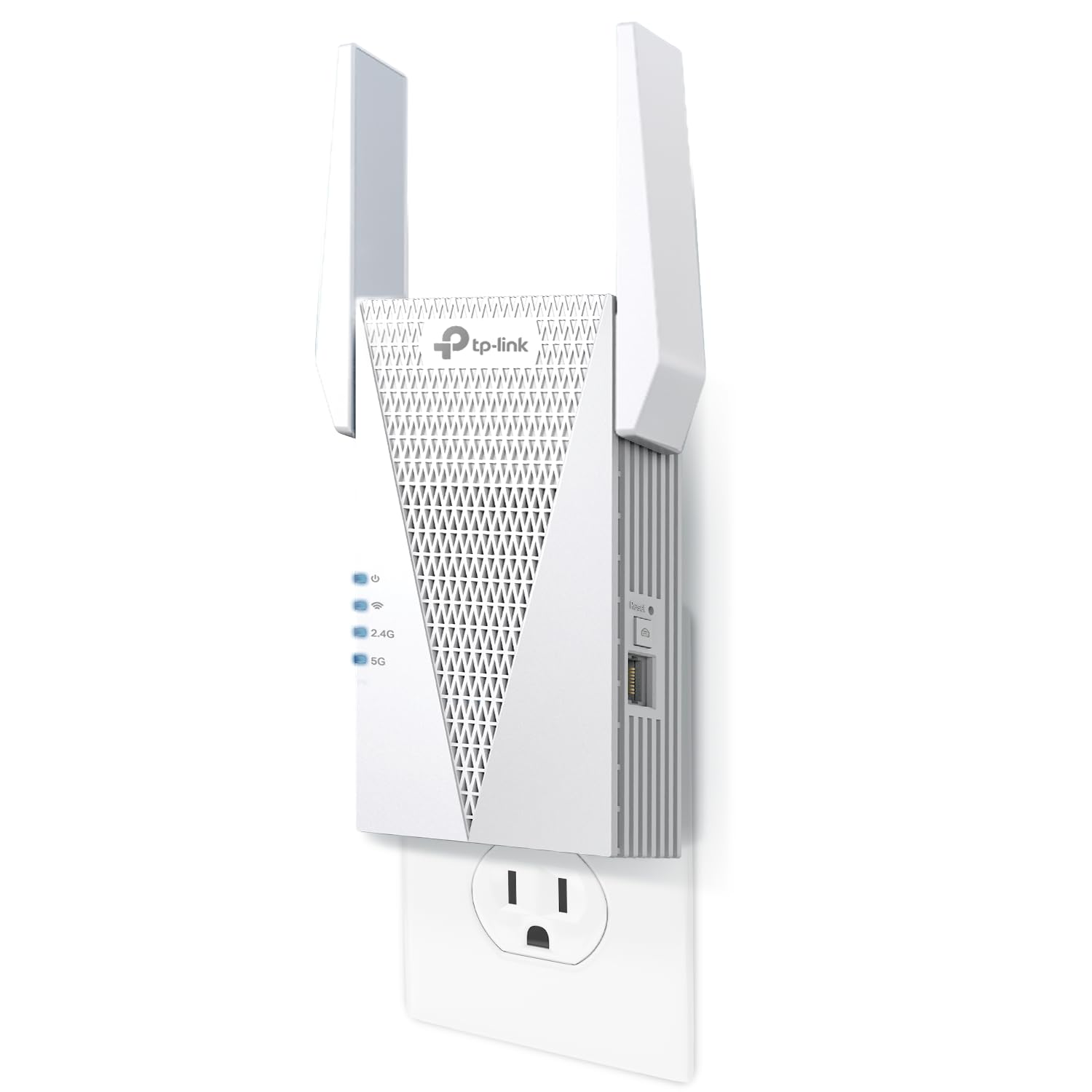
Consider the RE615X if you want a larger listed coverage area and higher listed 2.4 GHz rate while keeping the 1201 Mbps 5 GHz figure.
The RE515X may be sufficient when its stated coverage better matches your target area.
- The RE615X lists 1201 Mbps on 5 GHz and 574 Mbps on 2.4 GHz, with coverage up to 2,100 square feet.
- It has a gigabit Ethernet port, app setup, and EasyMesh compatibility.
- The RE515X lists 1201 Mbps on 5 GHz, 300 Mbps on 2.4 GHz, and coverage up to 1,800 square feet.
Is TP-Link RE515X Worth It?
The TP-Link RE515X is worth considering for a targeted Wi-Fi coverage problem, especially when you want dual-band Wi-Fi 6, an Ethernet port, and app-guided placement in one extender.
Its up-to coverage and bandwidth figures are useful for comparing designs, but they cannot predict performance in every home.
Buy it when you can place it where the router’s signal remains usable and your goal is better reach.
If you need a wired connection for access point mode, confirm that a cable is available; if EasyMesh matters, check router compatibility first.
Your review at a glance
400+ ratings
Read Amazon ReviewsTP-Link RE515X
A practical fit for households that need to extend Wi-Fi coverage, connect a wired device, or add an access point in a hard-to-reach room.
- Dual-band Wi-Fi 6 with listed maximum rates of 1201 Mbps on 5 GHz and 300 Mbps on 2.4 GHz.
- Two high-gain directional antennas and Beamforming technology, with coverage listed up to 1,800 square feet.
- Designed to support up to 64 devices.
- Gigabit Ethernet port for a wired device or use with access point mode.