The best mini printers range from pocket sticker makers to portable letter-size document printers, so the right fit depends on what you want to print and where. Compare print formats, device compatibility, and paper requirements before choosing a compact printer for study notes, labeling, creative projects, or travel documents.
Quick Top Products
Phomemo M02 Pro Mini Sticker Printer
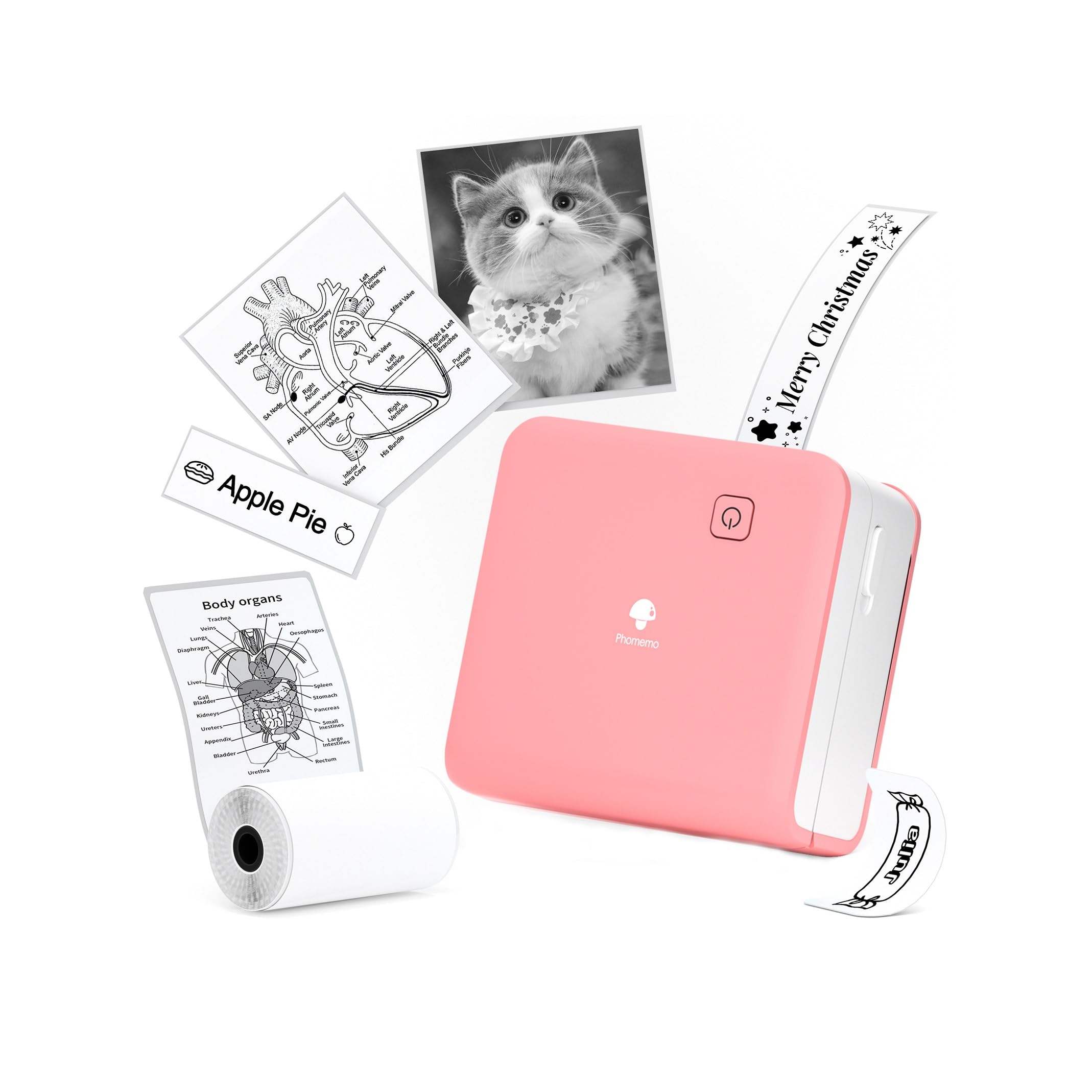
- 300 DPI thermal printing for text, patterns, and photos.
- Works with 15mm, 25mm, and 53mm thermal rolls.
- Connects to smartphones using Bluetooth and the app.
Best For: Students and crafters who want finer thermal detail across several paper widths.

Phomemo D30 Label Maker
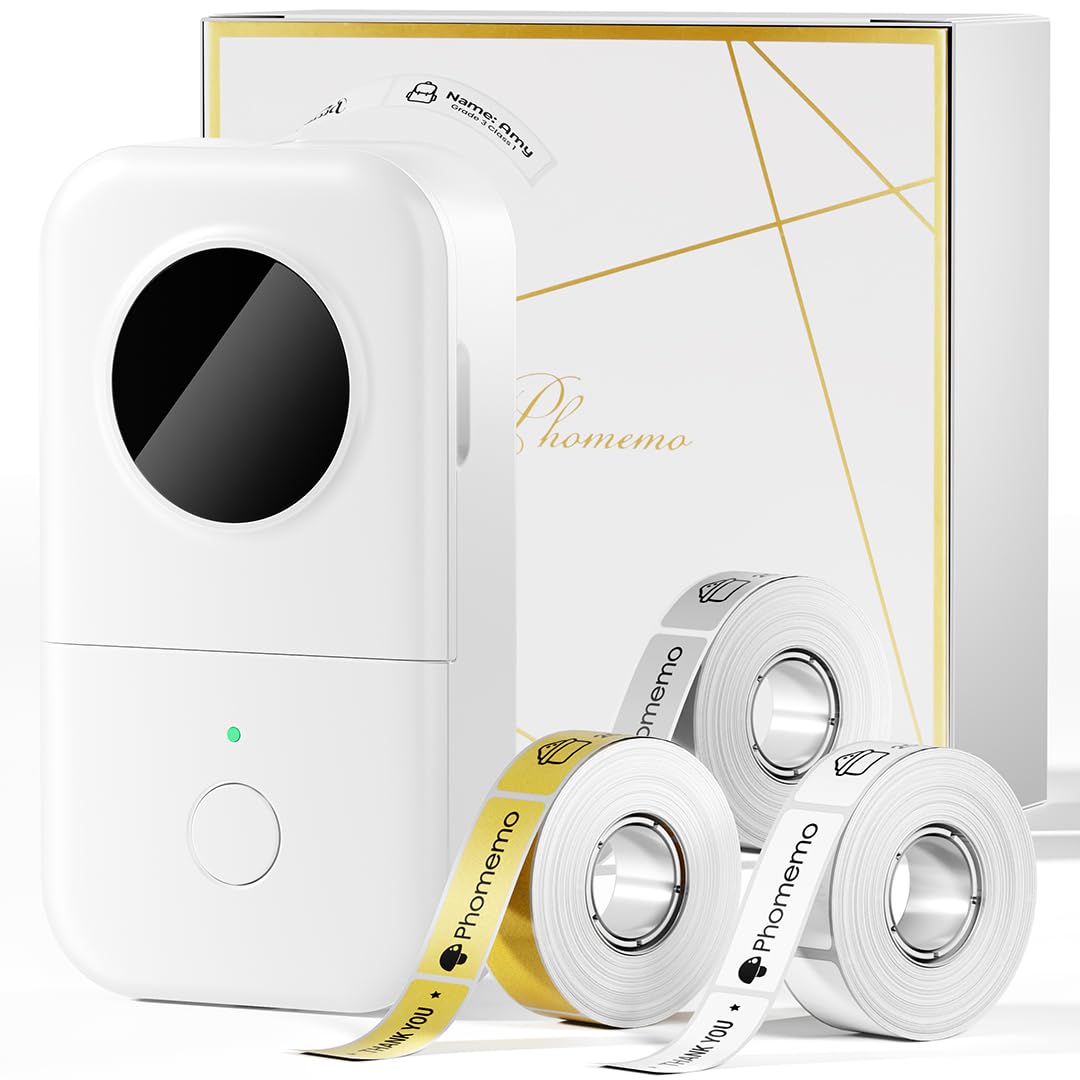
- Includes white, gold, and clear tape.
- Prints continuous or fixed-length tape labels.
- Thermal output avoids ink, toner, and ribbons.
Best For: Home organizers and small sellers who mainly need custom monochrome labels.
Phomemo D30 Bluetooth Label Maker
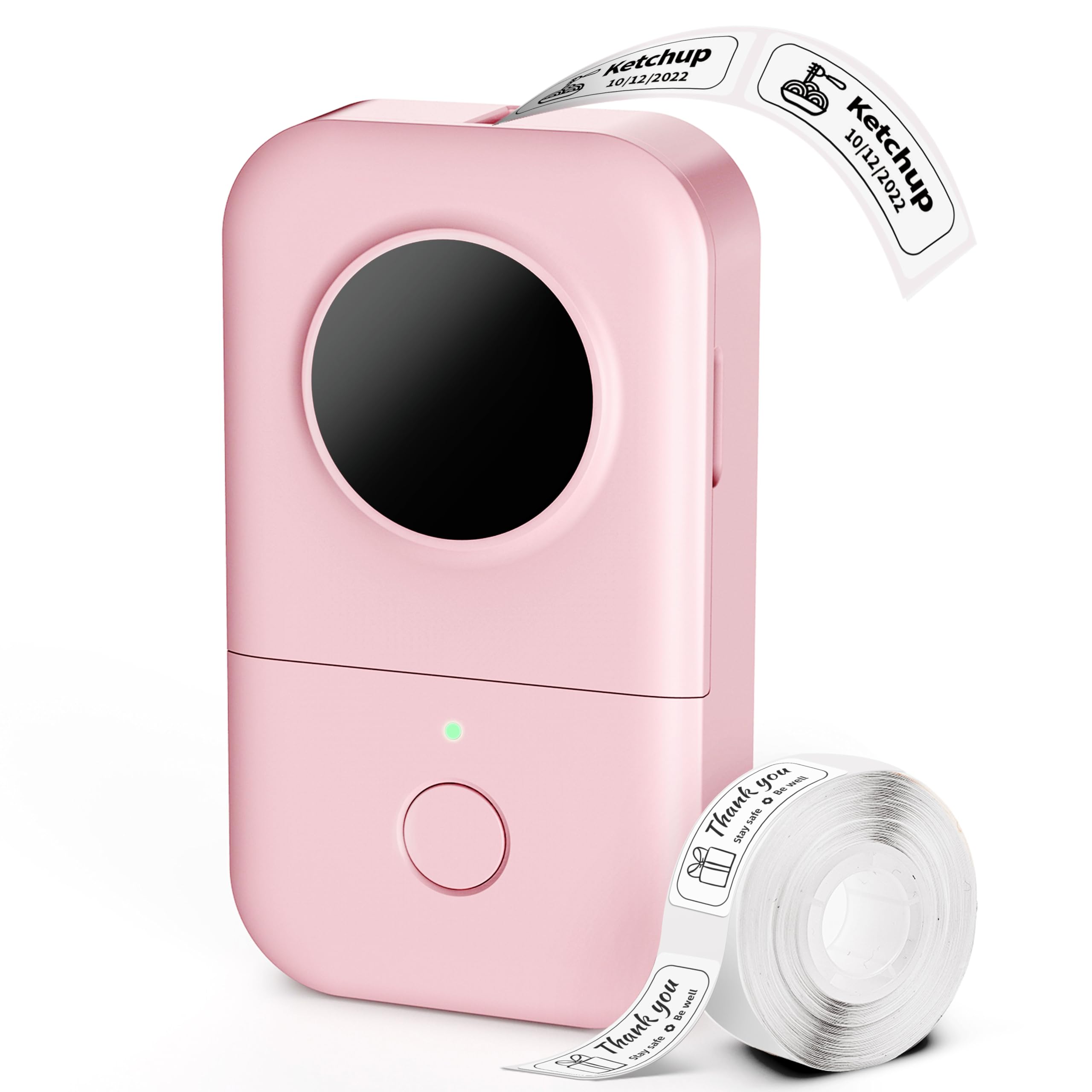
- Supports continuous and gap label tapes.
- App includes extensive templates and design resources.
- Bluetooth connects it to mobile devices for on-the-go use.
Best For: Teachers and home organizers who want many templates and label styles.
Memoking T02 Sticker Printer
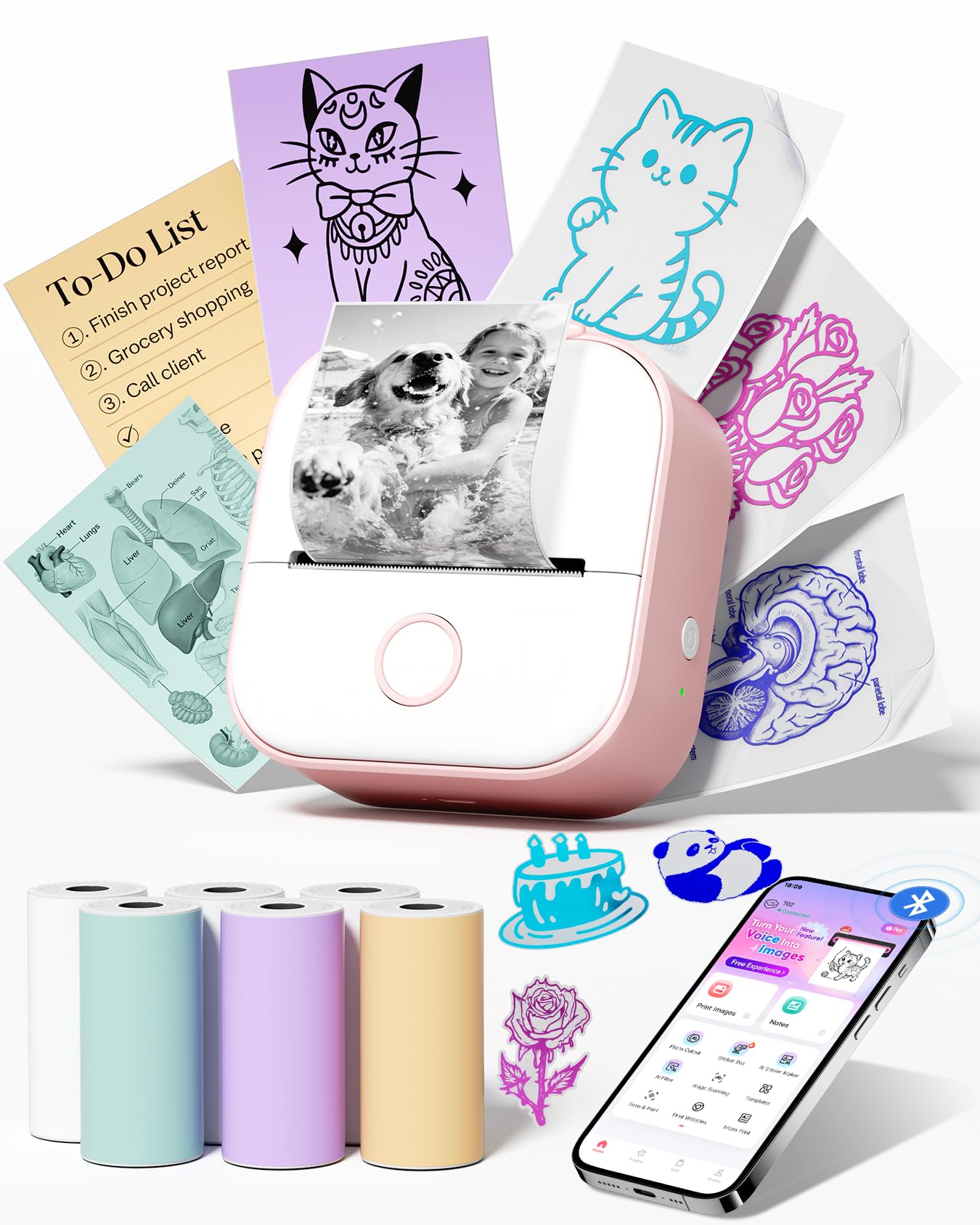
- Comes with six rolls of thermal paper.
- Connects through Bluetooth to iOS and Android devices.
- The app offers fonts, filters, and themes.
Best For: Students who want a pocket printer with paper included for notes and diagrams.
Nelko PM230 Sticker Printer
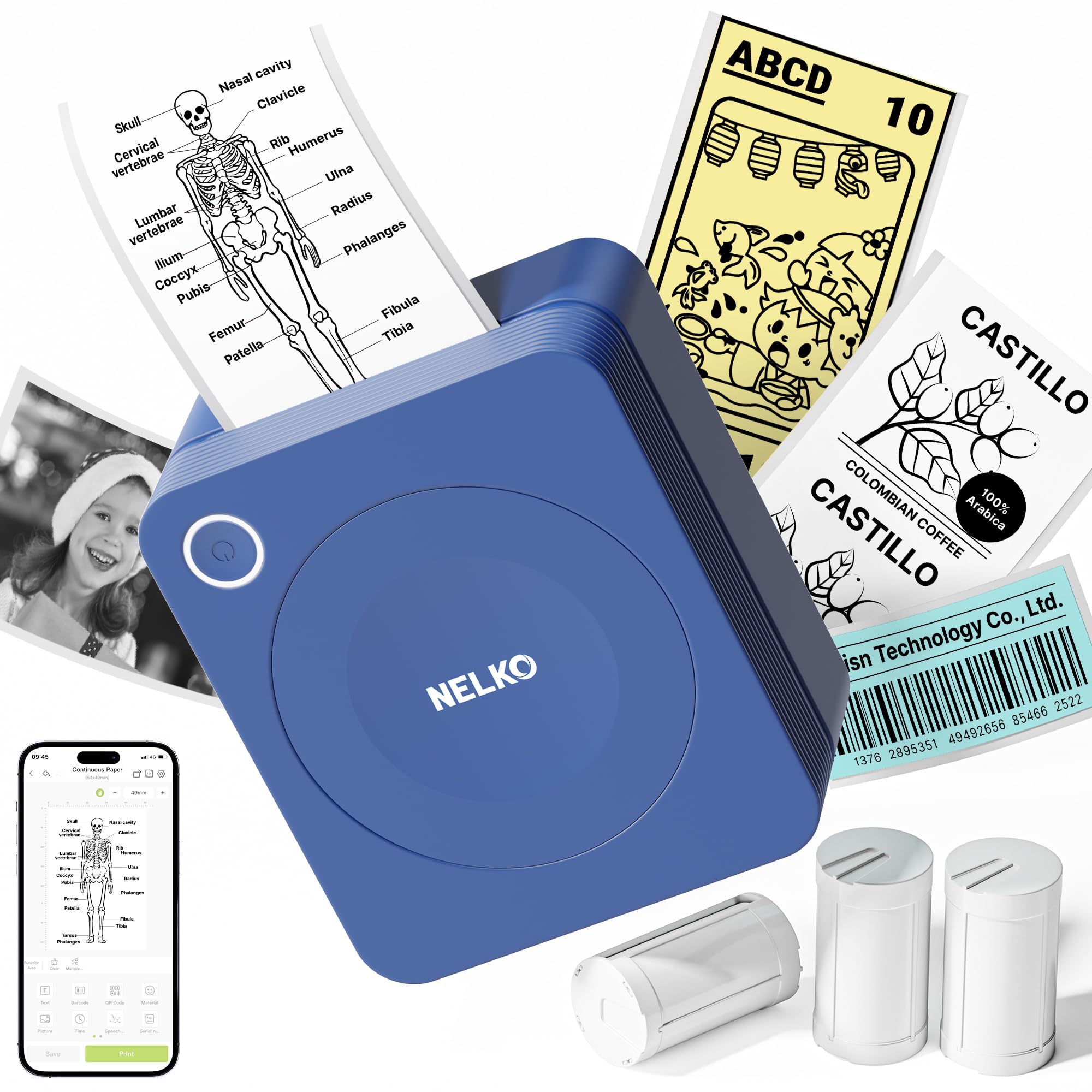
- Includes three rolls of 54mm-wide sticker paper.
- App includes OCR and document scanning.
- Printouts can be cut into custom shapes.
Best For: Students and teachers who want app scanning tools and ready-to-cut sticker paper.
Memoking T02 Mini Thermal Printer
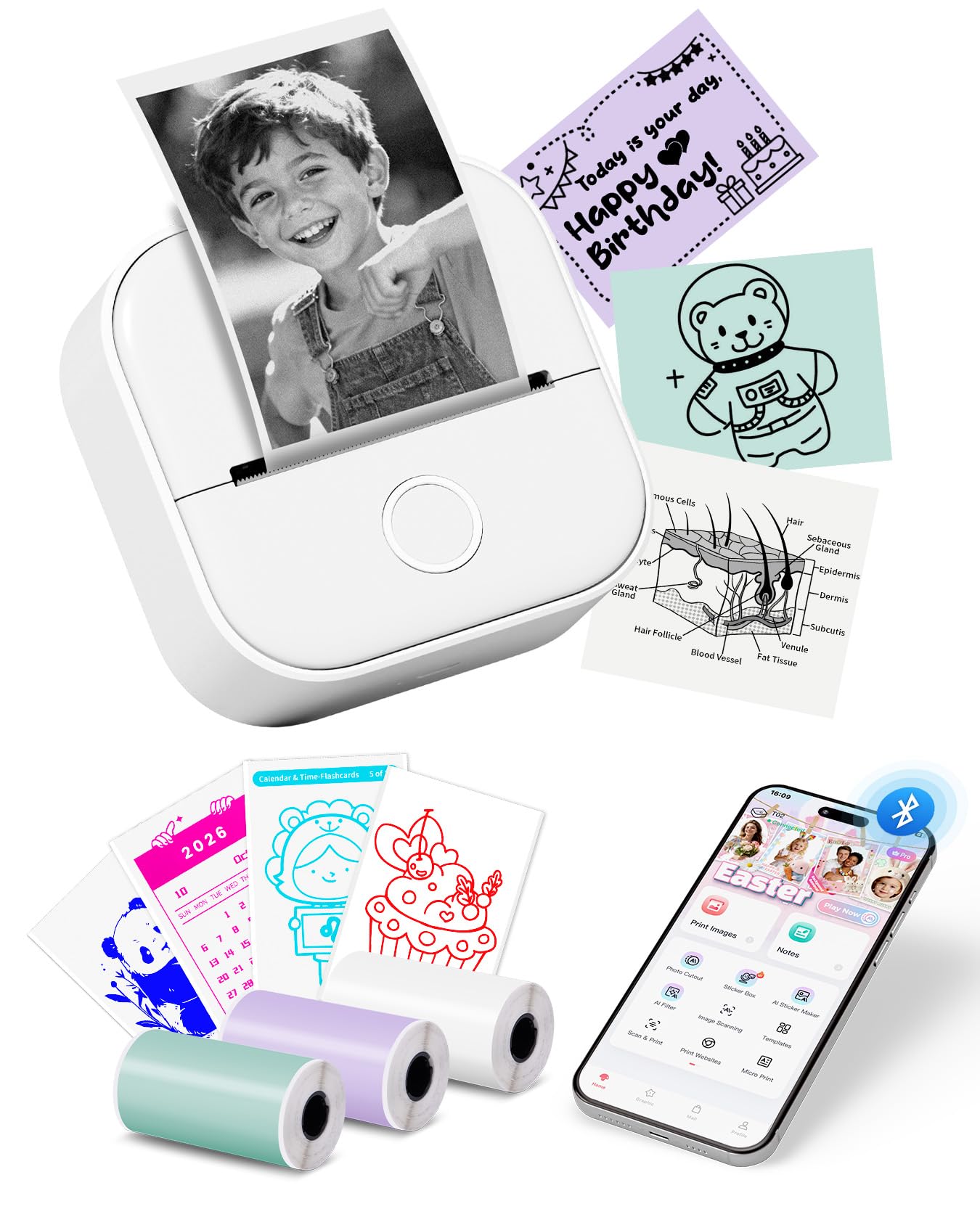
- App includes AI cutout, sticker, filter, and image-blending tools.
- Includes three thermal paper rolls.
- Supports sticky and non-sticky thermal paper.
Best For: Creative users who want AI-assisted sticker designs and study graphics from a phone.
Phomemo Sticker Printer- Mini Thermal Sticker Printer Machine, Small Pocket Label Maker Instant Print for DIY Creation, Study Notes, Photos, Portable Inkless Photo Maker for Kids/Students, Pink
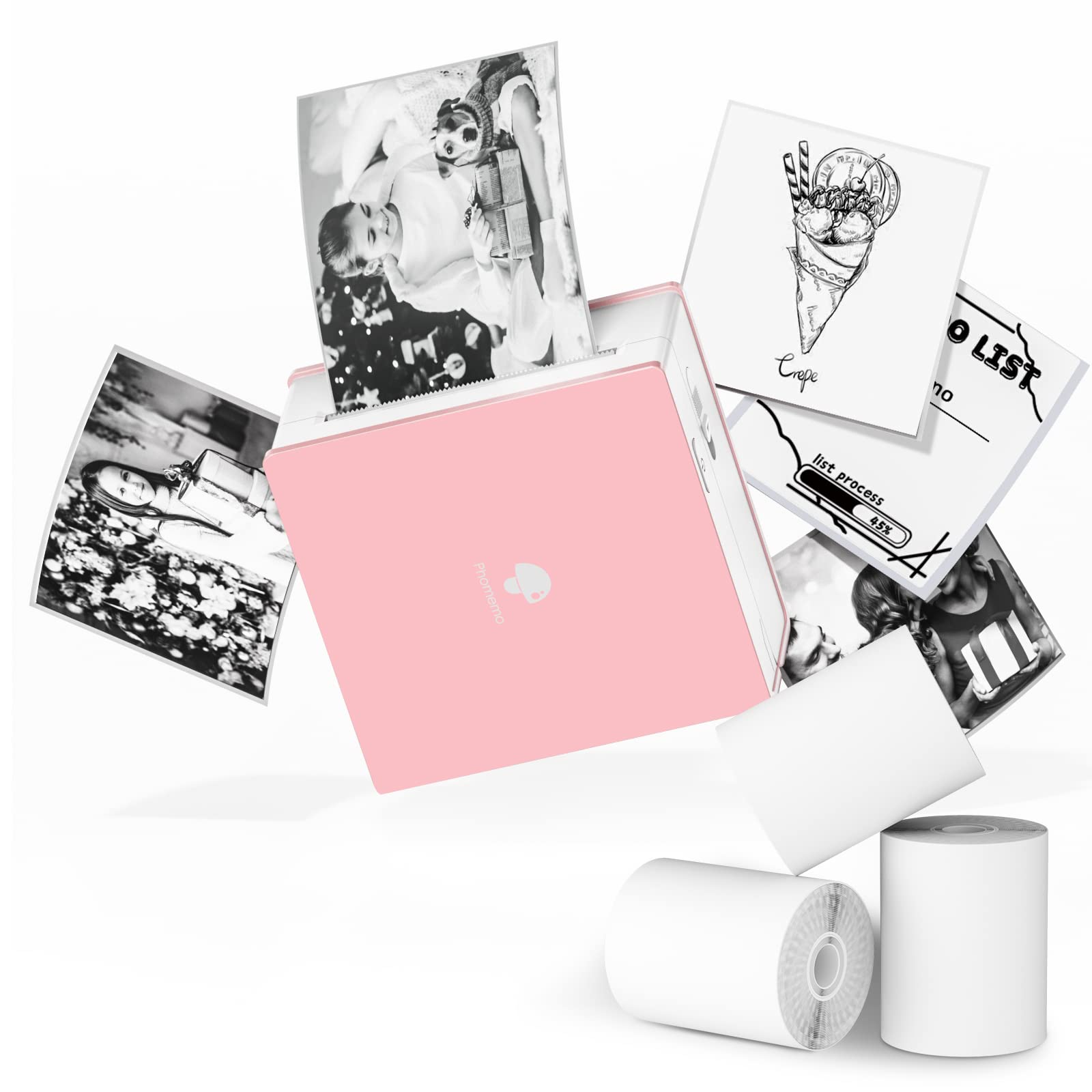
- The app includes a scan feature for study graphics.
- Bluetooth support works with compatible phones and tablets.
- Can print on white, colored, and transparent thermal rolls.
Best For: Students and hobbyists who want a compact printer with scan and label features.
Phomemo M02 Mini Sticker Printer, Bluetooth Mobile Pocket Printer | with 3 Rolls Paper, Sticker Maker Machine, Kids Gift, Study Notes, Journal, Compatible with iOS & Android, Green
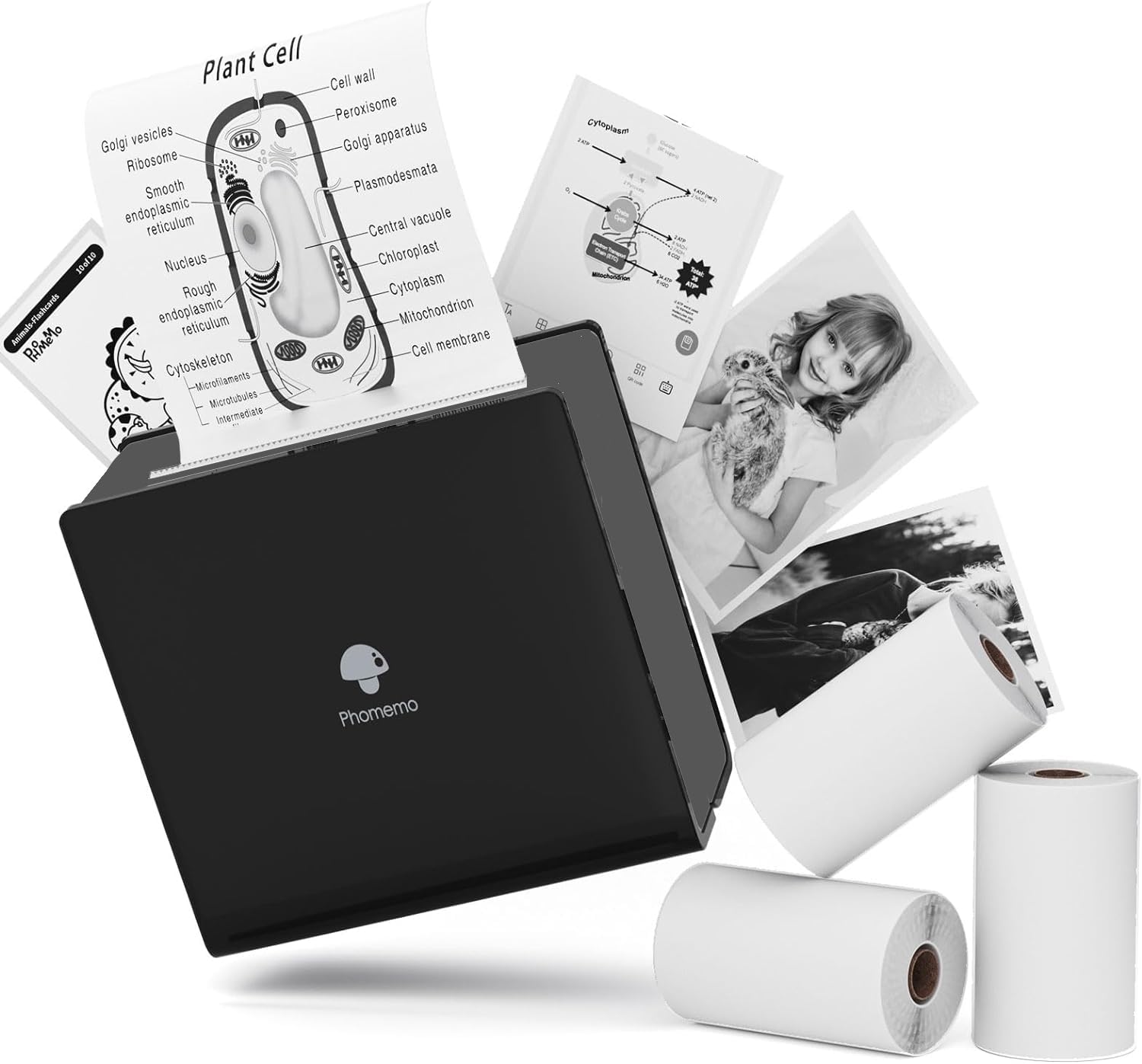
- Includes three types of 53mm thermal paper.
- App templates support lists and other note-making.
- Bluetooth 4.0 provides wireless app connection.
Best For: Gift buyers and note-makers who want several paper finishes included.
Memoking T02 Mini Sticker Printer
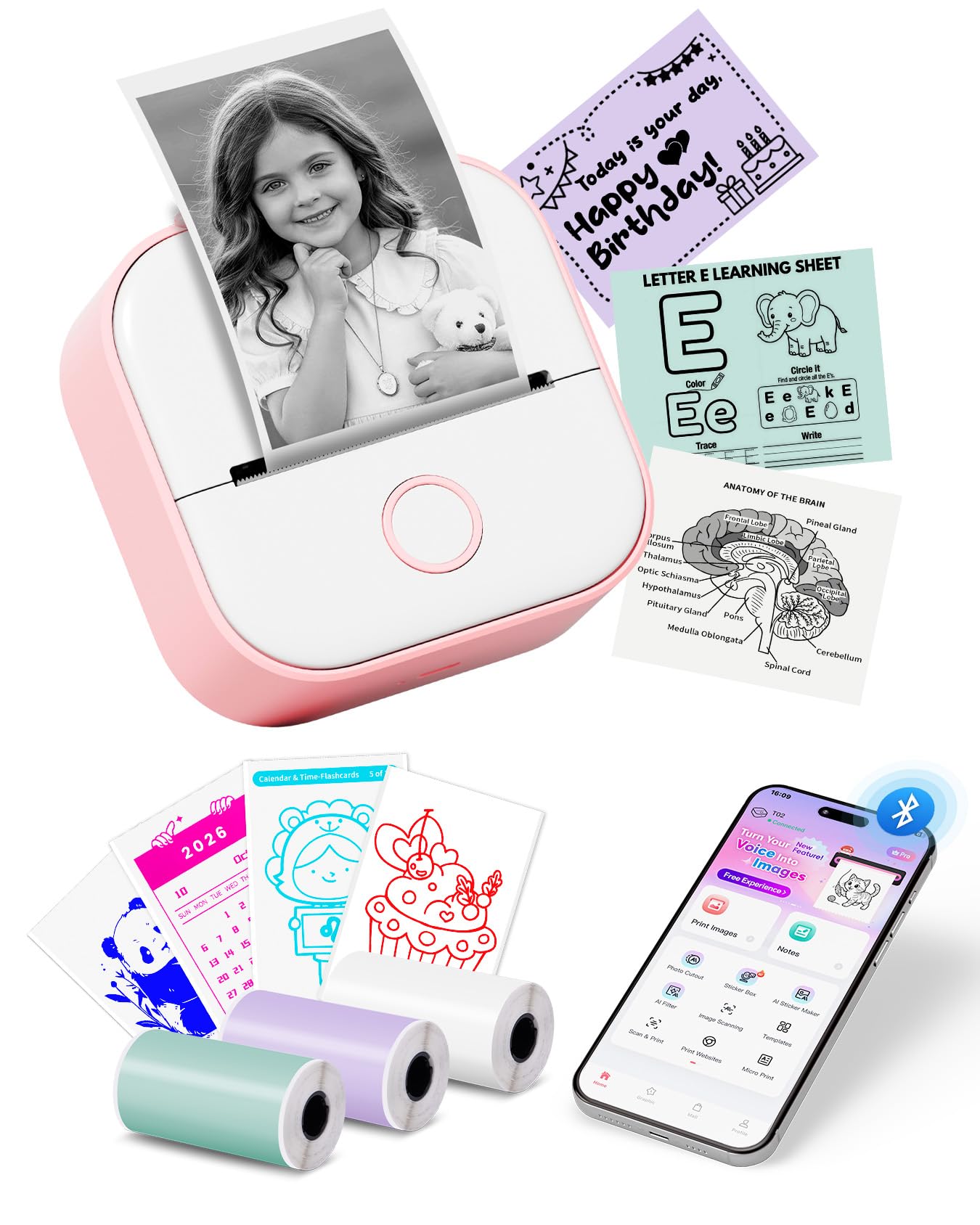
- Includes white, purple, and green thermal paper rolls.
- Connects to iOS and Android through the app.
- Printouts can be cut into custom label shapes.
Best For: DIY users who want assorted colored sticker paper and phone-based printing.
High-Resolution Creative Prints
Phomemo Mini Sticker Printer - Print Pods M02 Pro 300dpi Mini Pocket Printer, Sticker Printer Maker Thermal Label Machine for Photo Printing, DIYs, Study Notes, Travel, Work and Study, Gift, Pink
The Phomemo M02 Pro is a pocket thermal printer for small photos, study notes, labels, and journal designs. Its 300 DPI resolution is a standout for a mini printer, and it works with 15mm, 25mm, and 53mm rolls, giving it more format flexibility than a single-width label maker.
Bluetooth connects it to iOS or Android through the Phomemo app, which includes templates, fonts, and icons. It prints in monochrome and needs thermal paper, so it is not a substitute for color photo printing or ordinary document output.
The compact body suits a bag or pocket when you want quick creative prints away from a desk.
Best For: Students and crafters who want finer thermal detail across several paper widths.
| Pros | Cons |
|---|---|
|
|
Choose the M02 Pro if resolution and paper-width choice matter more than printing full-size documents. Its 300 DPI output and support for three roll widths make it flexible for compact labels, notes, and craft work.
Check which thermal paper you plan to use and whether rolls are included, since those details affect the cost and readiness to print. It connects through Bluetooth and the app, so it fits phone-centered use better than a workflow built around direct computer printing.
Custom Labels With Three Starter Tapes
Phomemo D30 Label Maker with 3 Tapes, Bluetooth Wireless Mini Pocket Smartphone Label Maker Machine, Small Thermal Printer Rechargeable Labeler for Home Office Labeler, Works with Tablet, Phones
The Phomemo D30 is a compact Bluetooth label maker focused on organizing supplies, pricing small goods, and marking cables or containers. It supports continuous tape and fixed-length labels, and this package includes three tapes in white, gold, and clear.
The printer outputs black text only; colored designs come from choosing patterned tape rather than printing in color. Its app provides templates and tools such as barcodes, QR codes, and image insertion, while rechargeable power keeps it portable.
This is a useful fit when labels are the main job, but it is not the better choice for photo prints or full-size pages.
Best For: Home organizers and small sellers who mainly need custom monochrome labels.
| Pros | Cons |
|---|---|
|
|
Pick this D30 when you need a dedicated labeler with several tape options already in the box. Its ability to print continuous or fixed-length labels suits both cable marking and more uniform container labels.
The main tradeoff is its narrow job scope: output is monochrome text, not general photo or page printing. Before buying more supplies, check tape width and label size so the consumables fit the specific task.
Expanded Template Library for Organizing
Phomemo Label Maker, D30 Label Maker Machine with Tape, Mini Bluetooth Label Makers, Small Portable Thermal Label Printer, Sticker Maker for School Classroom Teacher Home Kitchen Office Supplies
This Phomemo D30 version is aimed at frequent everyday labeling across home, school, and small-business tasks. Its app library includes thousands of icons, borders, templates, and materials, with support for barcode, QR code, Excel import, OCR, and voice input.
It accepts continuous and gap tapes, expanding the kinds of labels it can create. The printer is monochrome and connects to mobile devices over Bluetooth.
The record also notes BPA-free matching label tapes, though the tape itself is not specified as included. Consider it when app design options matter more than printing pictures or regular documents.
Best For: Teachers and home organizers who want many templates and label styles.
| Pros | Cons |
|---|---|
|
|
This D30 suits users who will make lots of different labels and want app features to speed up the design process. Its support for gap and continuous tape is useful when switching between standard labels and custom-length output.
The tradeoff is that it remains a label-focused monochrome device, and the supplied record does not clarify starter tape. Confirm the included consumables and the format of the labels you expect to make before ordering.
Six-Roll Starter Set for Study Prints
Memoking Sticker Printer - Gifts for Teen Girls, T02 Printpod Portable AI Mini Printer Sticker Maker Bluetooth Pocket Photo Printer Instant Print for Study Note, Journal, Photos, DIY, Gift, 6 Rolls
The Memoking T02 is a pocket-size thermal printer designed for study graphics, notes, small photos, and DIY labels. This offer includes six rolls of thermal paper, giving a new owner supplies for experimenting with different prints.
Its app connects over Bluetooth to iOS and Android devices and offers fonts, filters, and themes. The T02 prints in monochrome and does not support computer printing, so it fits a phone-first workflow rather than a laptop document setup.
It can work with sticky or non-sticky paper, including color and clear sticker paper, but color refers to the media, not full-color print output.
Best For: Students who want a pocket printer with paper included for notes and diagrams.
| Pros | Cons |
|---|---|
|
|
Choose this package if you want a mini printer for studying or creative projects and value having several rolls to start with. The app supports common student use cases such as graphics and notes, and phone compatibility covers both major mobile platforms.
Its clear tradeoff is connectivity: there is no computer printing, so it is unsuitable when laptop output is essential. Check the paper roll types and widths before buying replacement supplies.
Study Printing With Scan and OCR Tools
Nelko Sticker Printer, PM230 Print Pod Mini Bluetooth Portabel Sticker Maker with 3 Rolls Paper, Print Pods with Multiple Templates for Phone & Tablet, Smart AI APP Family, Blue
The Nelko PM230 is a compact sticker printer packaged with three rolls of white thermal sticker paper. The rolls are 54mm wide, and prints can be cut into custom shapes with scissors, which gives it a flexible role for flashcards, study notes, and classroom materials.
Its phone app supports AI printing, OCR, document scanning, and instant photo or text printing. Output is black and white, and the printer does not support computer printing.
The records also name PM235 within the app connection instructions, so verify the app’s model selection and setup guidance before use.
Best For: Students and teachers who want app scanning tools and ready-to-cut sticker paper.
| Pros | Cons |
|---|---|
|
|
The PM230 is a practical match for students who want to print scanned diagrams and cut them into custom study aids. Its three sticker rolls are a clearly identified starter supply, and the app adds OCR and scanning features.
It gives up computer connectivity and color output, so it works best as a phone-based monochrome tool. Check the model name in the app setup instructions and plan for a compatible charging adapter, which is not included.
AI Design Tools for Crafting and Study
Memoking Mini Printer - Sticker Printer T02 Portable Thermal Inkless Sticker Maker Machine, Bluetooth Pocket Labeler for Study Graphics, Anatomical Diagrams, Photos, Receipts, DIY,Gift
This Memoking T02 combines a small monochrome thermal printer with an app that offers several AI image and sticker functions. It can produce study notes, diagrams, labels, receipts, and DIY designs, with Bluetooth phone connectivity and support for sticky or non-sticky paper.
Three rolls are included, and its small footprint makes it easy to carry between home, school, and a workspace. Output remains black and white, so the creative options come from the app and paper choice rather than color printing.
It does not replace a full-size printer or a color photo device.
Best For: Creative users who want AI-assisted sticker designs and study graphics from a phone.
| Pros | Cons |
|---|---|
|
|
This version is a good fit when app-based design tools are central to the purchase, especially for sticker projects and study graphics. Its small size and included rolls make it convenient for casual use, while Bluetooth keeps printing tied to a mobile app workflow.
The concrete limitation is monochrome printing, which rules it out for color images. Before buying, confirm the included roll types if you need a particular adhesive or transparent finish.
Pocket Printer With Scan-Based Study Aids
Phomemo Sticker Printer- Mini Thermal Sticker Printer Machine, Small Pocket Label Maker Instant Print for DIY Creation, Study Notes, Photos, Portable Inkless Photo Maker for Kids/Students, Pink
The Phomemo M02 is a small Bluetooth thermal printer for study notes, diagrams, photos, and DIY labels. Its scan feature is intended to capture study graphics from learning materials, while the companion app offers patterns, fonts, filters, and themes.
It works with smartphones and tablets running compatible Android or iOS versions, and it can print on white, colored, or transparent thermal rolls. The output remains monochrome, including on colored media.
This makes it a flexible pocket tool for small-format paper projects, but not an option for conventional color photos or standard copy paper.
Best For: Students and hobbyists who want a compact printer with scan and label features.
| Pros | Cons |
|---|---|
|
|
Choose the M02 if you want a general pocket printer for both study material and small DIY jobs. The scan feature and broad app design library distinguish it from a simple tape labeler, and Bluetooth keeps the setup phone-oriented.
Its output is strictly monochrome, even when using colored or transparent paper, so check the media options against the look you want. The included supplies are not specified, which may affect the first purchase.
Three Paper Finishes in the Box
Phomemo M02 Mini Sticker Printer, Bluetooth Mobile Pocket Printer | with 3 Rolls Paper, Sticker Maker Machine, Kids Gift, Study Notes, Journal, Compatible with iOS & Android, Green
This Phomemo M02 package includes three 53mm thermal paper types: white, transparent, and semi-transparent. That starter assortment suits short notes, decorative graphics, and small labels without needing to source each finish separately.
The printer connects through Bluetooth using the Phomemo app, whose templates support lists, plans, and creative prints. Like other thermal mini printers, it creates black-and-white output and relies on compatible thermal paper rather than ink.
Consider it when the included media variety matters; its single 53mm format is less flexible than models that support multiple roll widths.
Best For: Gift buyers and note-makers who want several paper finishes included.
| Pros | Cons |
|---|---|
|
|
This M02 package makes sense for someone who wants to try different paper finishes for journaling, small labels, or gifts. Its three included roll types are the clearest buying advantage.
The tradeoff is a fixed 53mm paper format and monochrome output, which limits the size and color of the finished print. Check whether replacement rolls in those finishes are easy to source for your intended projects.
Colored Starter Rolls for DIY Labels
Sticker Printer - T02 Mini Printer Gifts for Teen Girls, Sticker Maker Machine Mini Thermal Printer Portable Label Printer Bluetooth Photo Printer Print Pods Sticker Box for Study Note, Journaling,DIY
This Memoking T02 offer pairs a pocket thermal printer with three colored rolls: white, purple, and green. It can print notes, photos, diagrams, labels, and small creative projects, and the app connects through Bluetooth to iOS or Android phones.
Output is black and white even when the paper itself is colored, so the roll color changes the background rather than adding color to text or images. Computer printing is not supported.
For buyers who want a ready-to-use mini printer for journaling or custom labels, the included assortment is useful, provided the monochrome result fits the project.
Best For: DIY users who want assorted colored sticker paper and phone-based printing.
| Pros | Cons |
|---|---|
|
|
Pick this bundle when having colored sticker rolls on hand matters more than variable paper widths or computer connectivity. The mobile app supports quick edits and creative templates, while the small form makes it easy to keep nearby.
Remember that the printer itself produces monochrome marks; the white, purple, and green rolls provide colored backgrounds only. Confirm that the included roll colors suit your labels and that phone-only printing fits your workflow.
How to Choose Mini Printers
How We Picked Best Mini Printers
This roundup focuses on compact thermal devices suited to labels, study aids, small photos, and portable everyday printing. We included pocket printers and tape labelers when their output and use case matched those tasks, then left out letter-size travel printers and a wider label maker that serve different needs.
Within the pocket category, useful distinctions include paper width, included rolls, app features, phone compatibility, and whether computer printing is available. A multi-width printer such as the M02 Pro offers a different kind of flexibility from a D30 tape labeler, while some T02 and M02 offers stand out through the paper included in the package.
Comparing Mini Printers by Print Format
Start by deciding whether you need labels, small-format creative prints, or regular documents. A tape label maker like the Phomemo D30 is tailored to organizing containers, cables, and small products.
The Memoking T02 and Phomemo M02 options handle broader small-format projects such as notes, study graphics, and DIY stickers. The M02 Pro supports several roll widths, while the selected M02 package includes white, transparent, and semi-transparent paper.
For full pages such as contracts and travel documents, a letter-size portable printer may fit better than a pocket device, but it is a different class of product. The mini printers here use thermal media and produce monochrome output.
Colored sticker paper can change the background, but it does not make the printed image full color.
| Product | Standout features | Best for |
|---|---|---|
| Phomemo M02 Pro Mini Sticker PrinterCheck Price |
| Students and crafters who want finer thermal detail across several paper widths. |
| Phomemo D30 Label MakerCheck Price |
| Home organizers and small sellers who mainly need custom monochrome labels. |
| Phomemo D30 Bluetooth Label MakerCheck Price |
| Teachers and home organizers who want many templates and label styles. |
| Memoking T02 Sticker PrinterCheck Price |
| Students who want a pocket printer with paper included for notes and diagrams. |
| Nelko PM230 Sticker PrinterCheck Price |
| Students and teachers who want app scanning tools and ready-to-cut sticker paper. |
| Memoking T02 Mini Thermal PrinterCheck Price |
| Creative users who want AI-assisted sticker designs and study graphics from a phone. |
| Phomemo Sticker Printer- Mini Thermal Sticker Printer Machine, Small Pocket Label Maker Instant Print for DIY Creation, Study Notes, Photos, Portable Inkless Photo Maker for Kids/Students, PinkCheck Price |
| Students and hobbyists who want a compact printer with scan and label features. |
| Phomemo M02 Mini Sticker Printer, Bluetooth Mobile Pocket Printer | with 3 Rolls Paper, Sticker Maker Machine, Kids Gift, Study Notes, Journal, Compatible with iOS & Android, GreenCheck Price |
| Gift buyers and note-makers who want several paper finishes included. |
| Memoking T02 Mini Sticker PrinterCheck Price |
| DIY users who want assorted colored sticker paper and phone-based printing. |
Paper, Apps, and Device Compatibility
Check the paper format before choosing a mini thermal printer. The M02 Pro supports 15mm, 25mm, and 53mm rolls; the three-roll M02 package specifies 53mm paper; and the D30 works with continuous or fixed-length tapes.
Confirm whether the particular offer includes starter media and what type it is, since bundles vary even within the same printer model.
These printers depend on an app-based workflow, so consider which phone or tablet you will use. The Phomemo M02 variants name iOS and Android compatibility, and the T02 bundles also use phone apps over Bluetooth.
Some T02 records explicitly say computer printing is not supported. If you need laptop printing, verify that feature before buying rather than assuming Bluetooth means computer compatibility.
Choosing a Pocket Printer for Study or Work
Students may value scan functions for diagrams, OCR tools, and templates for anatomy notes or classroom materials. The Nelko PM230 pairs scanning and OCR with three rolls of white sticker paper; the Phomemo M02 offers app scanning for study graphics.
For organizing a home or small shop, a D30 label maker is better aligned with price tags, QR codes, cable labels, and storage markings.
For journaling and creative projects, compare paper finishes and app editing features. A T02 package with colored rolls can add variety to stickers, while the Phomemo M02 package with transparent media supports a different look.
All remain monochrome printers, so choose them for compact prints and layouts, not color photo reproduction.
Who Should Buy Which Mini Printer
Choose the Phomemo M02 Pro if multiple paper widths and 300 DPI resolution are priorities. Pick a D30 when you mainly need tape labels and barcode or QR code layouts.
For student notes or app-led sticker projects, compare the T02 packages by included roll count and type, and consider the Nelko PM230 for its scanning and OCR tools.
If you need to print standard pages or work primarily from a computer, select a portable document printer category instead of a pocket mini printer. For any thermal option, verify supported paper and device connection details before buying so its format matches the work you actually need to print.